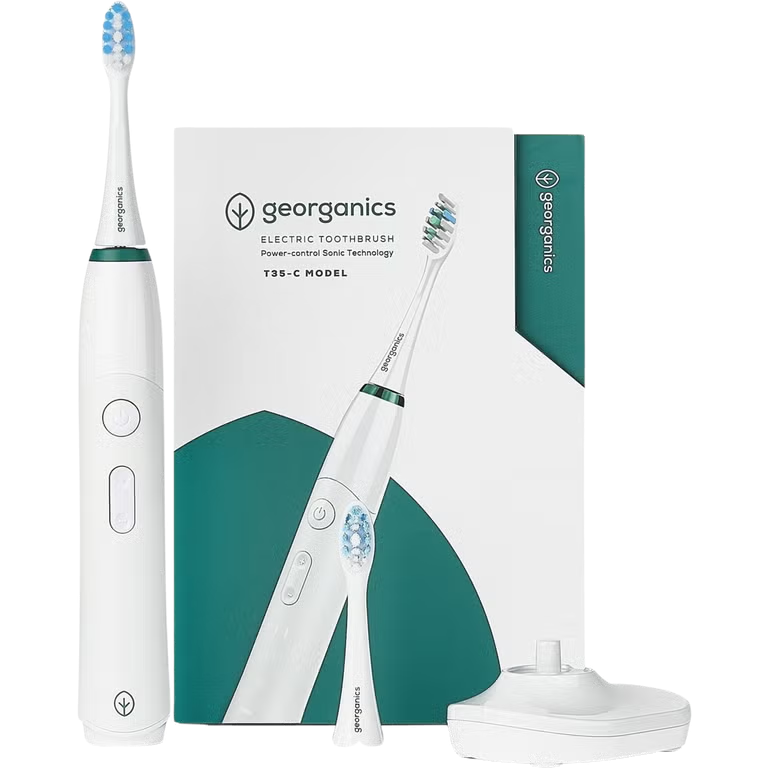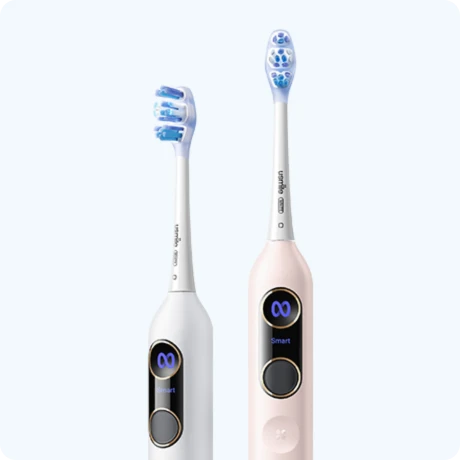










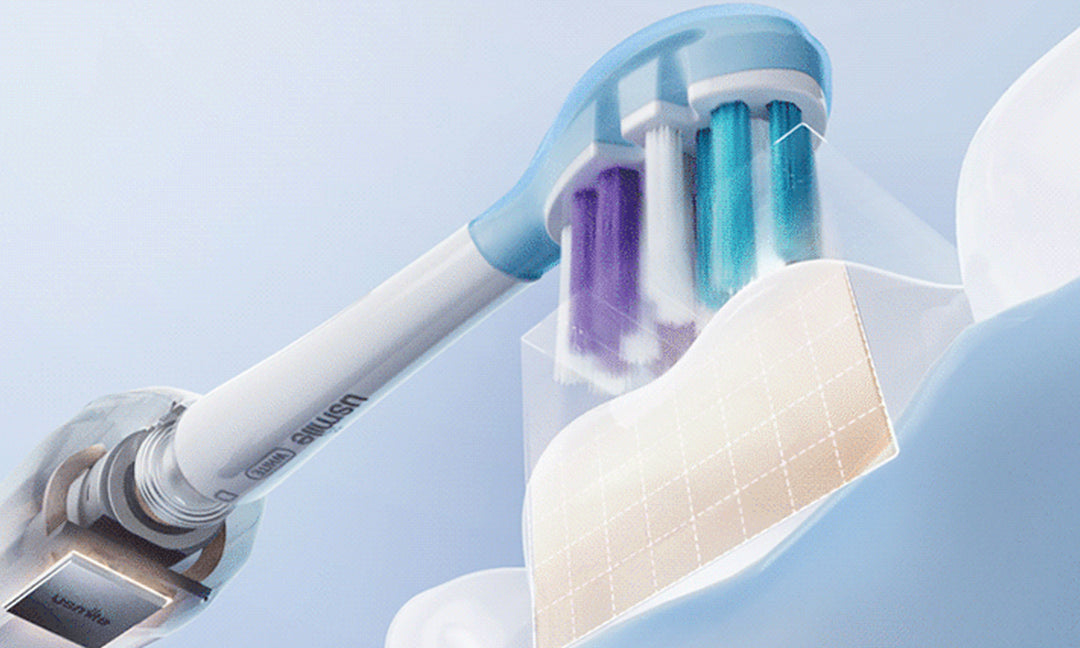
Electric Toothbrush Not Charging: Complete Guide
You set it on the charger last night. Woke up, picked it up — dead. No light, nothing. It happens, and it's annoying, especially first thing in the morning.
Here's the thing though: most of the time it's not the battery. It's actually something way more boring — a dirty contact point, a dead outlet, a cable that quietly gave up. Those take two minutes to check and fix.
This guide goes through the causes in the order they're most likely to happen. Start at the top, work down. Most people solve it by step two or three.
Why Is My Electric Toothbrush Not Charging?

The Most Likely Culprits
Before you assume the battery is shot, run through this. In rough order of how often each one is actually the cause:
|
What it is |
What's going on |
|
Dirty charging contacts |
Dried toothpaste blocking the connection — more common than it sounds |
|
Dead outlet |
Tripped GFCI, surge strip, or just a socket with no power |
|
Faulty dock or cable |
Inductive coil failed, or cable cracked near the plug end |
|
Battery worn out |
Device 3+ years old, run times already getting shorter |
|
Moisture inside handle |
Not from normal use — from heavy rinsing or getting submerged |
|
Wrong charger |
Replacement dock that doesn't match the voltage or fit correctly |
No Light At All — What That Tells You
No indicator light is actually useful information. It means one of a few specific things:
- The outlet has no power. Try plugging your phone into the same socket. If that doesn't work either, you found the problem.
- The charger itself failed. Inductive docks can stop working without any visible damage. No cracks, no smell, just dead.
- Battery is completely flat. A fully drained battery sometimes needs 20–30 minutes before the charge light kicks in. Give it time before assuming the worst.
- Internal failure. If everything else checks out, the charging coil or contacts inside the handle may have corroded or failed.
Step-by-Step: How to Fix It
These are in the right order. Don't skip around.
Step 1 — Check the Outlet First

Seriously. Plug something else in. A phone charger, a nightlight, whatever's nearby.
Bathrooms often have GFCI outlets — the kind with the small reset button on the face. One tripped outlet can kill power to others on the same circuit. Look for the reset button, press it, try again.
Step 2 — Clean the Charging Contacts

This fixes more charging problems than people expect. Toothpaste dries on the metal pins and on the handle's contact area, and it's not always visible.
- Take the brush head off
- Dip a cotton swab in rubbing alcohol or plain water
- Wipe the pins on the charging base and the contact ring on the handle
- Let it dry fully — then put it back on the dock
White or yellowish buildup? That's mineral deposits from hard water. A tiny bit of white vinegar on the swab usually clears it.
Step 3 — Look at the Charger Itself

Pick up the dock and actually look at it. Any cracks? Does the cable bend at a weird angle near the plug? Corrosion on the pins?
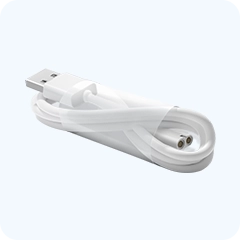
USB-C models specifically: try a different cable before anything else. Cable failure at the plug end is extremely common, and the cable often looks fine even when it isn't.
Step 4 — Give It a Long Uninterrupted Charge
If the battery went completely flat, short charges don't help it recover. Put it on the dock, walk away, come back in an hour. One long session does more than several short ones.
Step 5 — Try a Reset
Some models have a reset function that clears a charging fault. The standard method: take it off the charger, hold the power button for 10 to 15 seconds. It'll cycle through its modes and shut off. That's the reset completing.
Put it back on the dock after. If the indicator light responds now and it wasn't before, the issue was a software fault — not hardware. Fixed.
|
Tried all five? If the outlet works, the contacts are clean, the dock looks fine, and a reset did nothing — the battery or internal coil has failed. The next section explains what that actually means. |
Battery Problems — What's Actually Happening
How Long Do They Last
Two to five years, roughly. Premium models hold up better. Budget ones often start declining around year two. The battery goes before the motor does, almost always.
The decline is gradual — shorter run times, weaker performance toward the end of a session, needing to charge more often. That's normal wear. It's not a sudden fault, it's just age.
When It Stops Suddenly
Gradual decline is normal. Sudden stops usually come from one of these:
- Permanent overcharging. Leaving the brush on the dock for months at a stretch keeps the battery at 100% constantly. That actually causes more cell stress than normal use. The battery wears out faster.
- Water got in. A splash here and there is fine. But extended exposure — rinsing too aggressively, leaving it in the shower caddy — gets moisture into the charging contacts and corrodes things.
- Deep discharge cycles. Running it completely flat repeatedly shortens the battery's life. At some point it reaches a state where it won't accept a charge at all.
Lithium-Ion vs. NiMH — Does It Matter?
|
Type |
What you'll notice |
Main tip |
|
Lithium-ion |
Longer charge, consistent power, slower degradation |
Avoid constant 100% storage |
|
NiMH |
Shorter charge, fades at end of cycle, faster wear |
Avoid fully draining repeatedly |
Most mid-range and premium brushes use lithium-ion now. Budget models sometimes still ship with NiMH — it's not always listed clearly, but it explains why two brushes at different price points behave so differently a few years in.
Charger and Base Problems

Faulty Dock
Inductive charging bases fail silently. No visible damage, no warning — just stops working one day. If your brush charged fine on a different base but not this one, the base is the problem, not the toothbrush.
Damaged Cable
For USB-C models, this is actually the most common hardware failure. The cable develops an internal break near the plug end. Looks intact from the outside. Try a replacement cable first — it's a $5 fix before buying a new brush.
Compatibility Issues
Not all chargers work interchangeably, even if they physically fit. Voltage matters. Using an off-brand replacement dock that doesn't match the original specs can under-charge or damage the battery over time. Original charger when possible — or a verified compatible replacement.
Travel Voltage
Some countries run 220V where the US runs 110V. Most modern chargers handle both — look for "100–240V" on the adapter label. If it only lists 110V, don't plug it in abroad without a converter.
How to Reset an Electric Toothbrush

Standard Method
Off the charger. Hold the power button for 10 to 15 seconds. The brush will cycle through its modes — lights flash, vibration changes — then shut off. Done. Put it back on the dock and wait a few minutes before checking the indicator.
When It Has No Power At All
Completely dead with no response to the button? Try placing it on the dock for 20 to 30 minutes first. A fully depleted battery sometimes needs a small charge before the reset function will register. Then try again.
When the Reset Doesn't Help
Resetting fixes software faults. It can't revive a dead battery or repair a broken coil. If the reset produces no change and the five steps above also failed, you're dealing with hardware failure. That usually means replacement.
When It's Time to Replace

Battery Won't Hold a Charge
Needing to charge every few days instead of every few weeks — and that doesn't improve with a full uninterrupted charge — is battery degradation. Most built-in batteries aren't replaceable. A new brush is the realistic answer at that point.
Motor Has Stopped
Powers on but doesn't vibrate — or vibrates weakly and intermittently. That's a motor issue, not a charging issue. Nothing you do to the charger will fix it.
Physical Damage
A crack near the charging port or head attachment compromises water resistance. Once moisture gets into the motor housing, corrosion develops fast. A brush that took a hard drop and stopped working shortly after has probably had it.
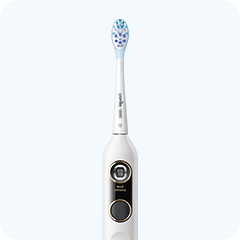
When you're ready to replace, the electric toothbrushes range is worth comparing — different battery types, charging styles, and feature levels. The AI electric toothbrush is one option worth looking at if you want something with consistent daily performance and a longer battery life between charges.
How to Prevent This Next Time

Don't Leave It on the Dock Constantly
Use it until low, then charge to full. That cycle is healthier for lithium-ion batteries than permanent dock storage at 100%. One habit, meaningful difference over time.
Clean the Contacts Weekly
Cotton swab, rubbing alcohol, 30 seconds. The charging pins on the base and the contact ring on the handle. Do it once a week and you'll basically never have a buildup-related charging failure.
Handle Water Exposure Carefully

Most brushes are water-resistant — not waterproof. A quick rinse after brushing is fine. Soaking the handle, leaving it sitting in a wet sink, holding it under the shower — those are different. Keep rinsing brief and let the handle dry before docking.
Travel Storage
Pack the handle so the power button can't turn on accidentally in the bag. A brush that runs for hours in luggage arrives flat. A ventilated travel case protects the handle from impact without trapping humidity. Building those small habits into your usmile means they stick.
FAQs
How to fix an electric toothbrush that won't charge?
Check the outlet first — plug something else in. Then clean the charging contacts with a cotton swab and rubbing alcohol. Inspect the dock for damage. Try a reset (hold power button 10–15 seconds off the charger). That covers the majority of cases. If nothing works, the battery or internal coil has likely failed.
How to reset an electric toothbrush?
Remove it from the dock. Hold the power button for 10–15 seconds until it cycles through modes and shuts off. Then put it back on the charger. If the indicator light responds after that and it wasn't before, the reset worked. Specific steps vary slightly by model — check the manual if this doesn't produce a response.
Why is my Oral-B toothbrush lighting up but not charging?
Light on but no charge building usually means partial contact — the charger is touching but not quite. Clean the pins on both the dock and the handle, make sure it's seated correctly, and try a different outlet. According to iFixit's troubleshooting database, contact contamination is the most commonly identified cause of this specific symptom in electric toothbrush repair logs.
Why has my Sonicare stopped charging?
Philips Sonicare uses inductive charging, so coil alignment matters. If the handle isn't positioned correctly on the base, charging won't start even if a light appears. Try repositioning. Then clean the base contacts. Philips' own support pages note that using a non-original charger — even one that fits — is a frequent cause of charging failure in Sonicare models.
Why did my electric toothbrush suddenly stop working?
Usually one of three things: battery completely drained and needing time to respond, outlet or charger issue that looks unrelated, or an internal component that gave out. Work through the basic checks before assuming hardware failure. iFixit's repair community notes that a significant portion of 'sudden failures' reported online turn out to be outlet or contact issues.
Can electric toothbrushes be repaired?
Sometimes. Cleaning contacts and replacing cables are DIY-friendly. Actual battery replacement requires partial disassembly and sourcing a compatible cell — possible on some models, not practical on most. Repair cost often approaches replacement cost for consumer-grade devices. Warranty claim first if the brush is under a year old.
Why is my electric toothbrush not charging no light?
No light means no connection at all — not even partial contact. Rule out the outlet first. Then try a different charger if you have access to one. If the brush is more than three years old and neither fixes it, the internal charging coil has likely failed. That's not repairable at home.
What is the lifespan of an electric toothbrush?
Three to five years for the device. Battery usually declines first — gradually shorter run times, more frequent charging needed. Budget models start declining around year two. The brush head is a separate question: that needs replacing every three months regardless of how the device itself is holding up.


Looking for something else?
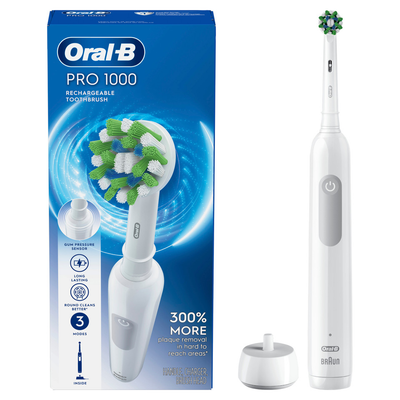
Best Cheap Electric Toothbrush (2026): Top 5 Budget Picks That Actually Work
LEARN MORE
Ultrasonic Toothbrush vs Electric: Which Technology Wins for Your Smile?
LEARN MORE
Best Electric Toothbrush for Sensitive Teeth (2026) — 5 Tested
LEARN MORE
Does an Electric Toothbrush Have a Lithium Battery
LEARN MORELooking for something else?

How to Make Brushing Teeth Fun for Kids Without Daily Battles
LEARN MORE
Best Toothbrush for Kids Who Hate Brushing: Parent Guide
LEARN MORE
Best Electric Toothbrush for Kids: What Parents Should Look For
LEARN MOREYou may also like
usmile Y20PRO Adults Toothbrush x Q30 Kids Toothbrush

usmile C30 Water Flosser Toiletry Bag Pack

usmile C10 Water Flosser x Q30 Kids Electric Toothbrush

Further reading
Halloween Candy Before Bed: A Kid-Friendly Cleanup Routine to Protect Kids' Teeth

I Thought My Water Flosser Made My Teeth Gaps Bigger—Here’s What May Actually Be Happening

Why Teeth Look More Spaced Out After Water Flossing